
Software
Client Portals for Clearer Customer Collaboration
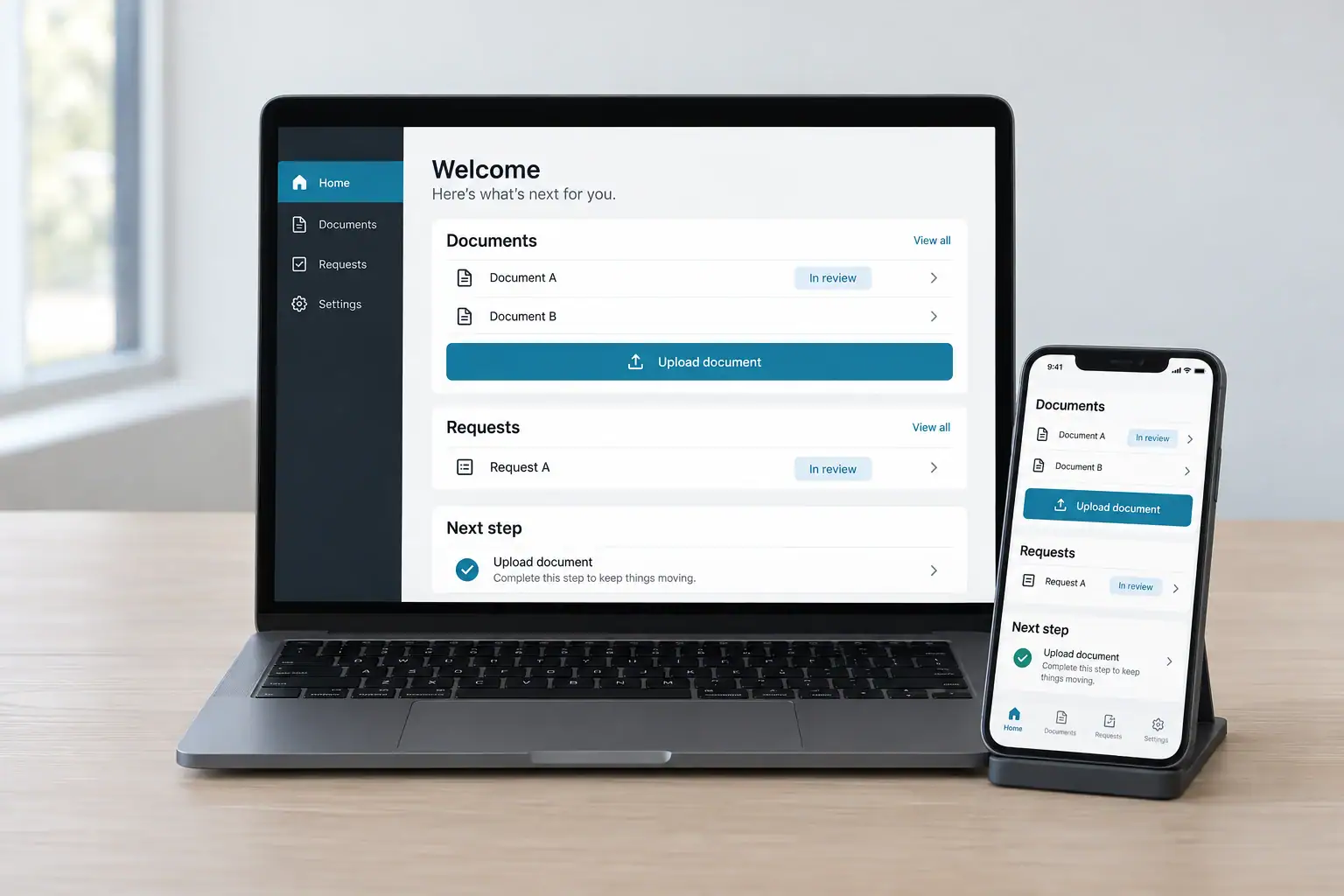
A client portal cuts the back-and-forth over files, status updates, and routine requests. JWM designs portals around what your customers need to see and do, with access rules and internal workflows built in, so clients get a better experience and your team saves time.
The opportunity
Decide what belongs in the portal
A portal should make real tasks easier, like sharing documents, tracking project progress, submitting requests, or completing onboarding. We map what each user needs and where that information comes from, and connect it to your existing systems so your staff never maintains the same records twice.
Explore Custom Web Applications →
Service detail
What we can help you build or improve
Accounts and permissions
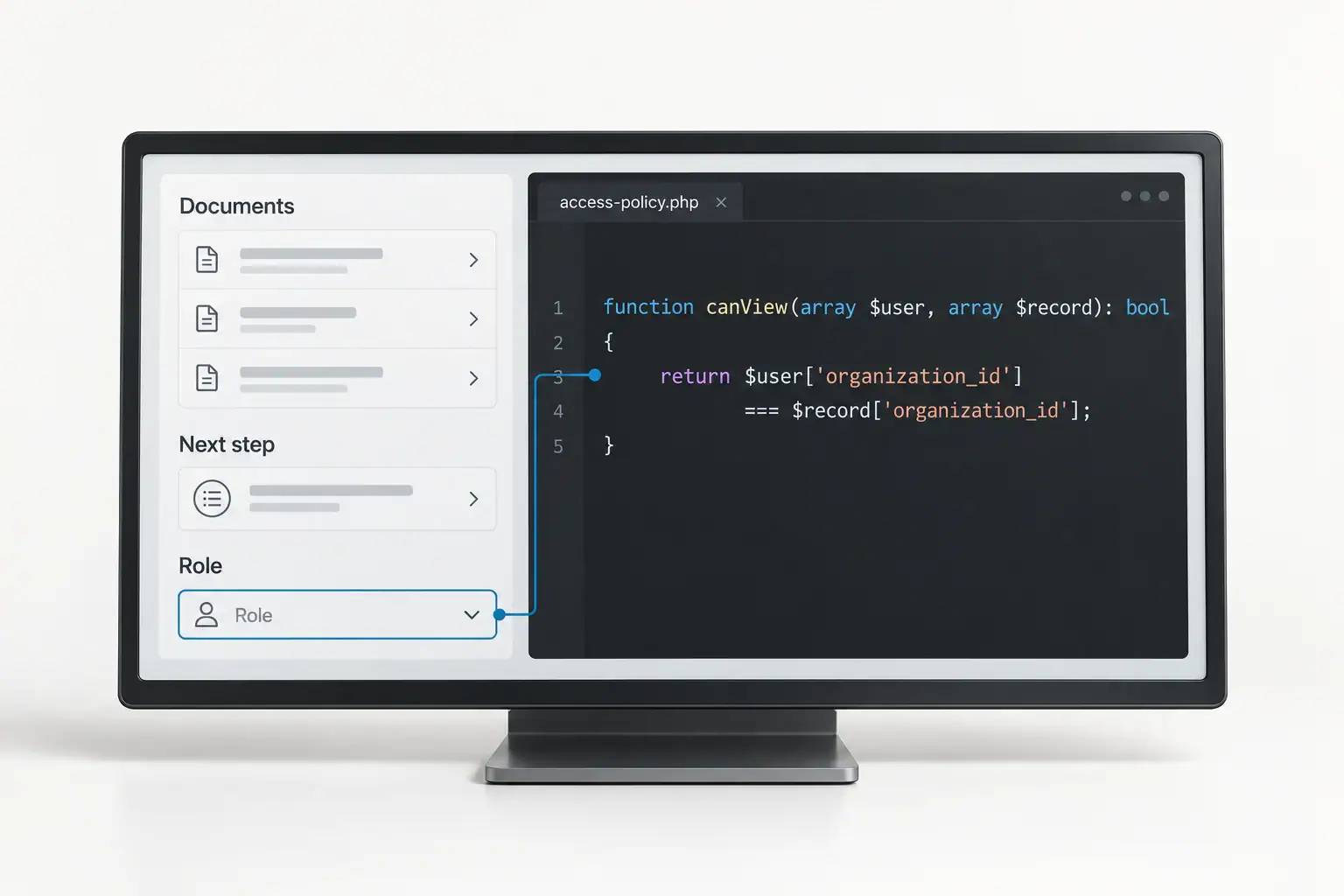
Access is built around client organizations and user roles, with clear control over what each person can see and change.
Documents and shared information
Files, messages, status updates, and reference information are organized around your client journey and handled securely.
Requests and connected workflows
The portal collects structured requests and approvals and routes them straight to the right team, connected to the systems you already use.
A closer look
Design for customers who may visit only occasionally
Clients should be able to log in months later and know exactly what to do. Clear labels, visible next steps, easy account recovery, and a simple path to help keep the portal effortless, and we test security and access thoroughly before launch.
Related service: Integrations & APIs →
The process
How the work moves forward
Map client tasks
Identify the information, actions, and communication the portal should support.
Define access and data flows
Set roles, data sources, and update responsibilities.
Build and validate
Build the portal and test it with real accounts and client journeys.
Questions and answers
Frequently asked questions
Have a question that is not covered here? Ask it below and we will get back to you.
Can different clients see different information?
Yes. Each client logs in and sees only their own information, documents, and updates. We build and test the permissions so access works exactly as intended.
Can the portal connect to our CRM?
Yes. The portal connects to your CRM, so client data pulls in and updates automatically.
Can we start with a small portal?
Yes. Launching with one high-value feature gets the portal in front of clients quickly, and new features are added as they start using it.
How is client information kept secure?
Security is built into the design with sign-in controls, permission rules, and testing. We talk through what data is stored and who can see it before we build.
Let’s build what’s next
Make working with your business easier
Tell us what clients repeatedly ask for and which tasks take too much back-and-forth. We will design a portal that handles it.